

Zooming in can be done by a combination of using the mouse wheel and dragging the graph around using the left mouse button on the canvas’ background.
A different way is to use the Selection button in the Zoom panel.
Given a selected node (showing a pink halo) then the Selection button will Zoom into its sub-tree.
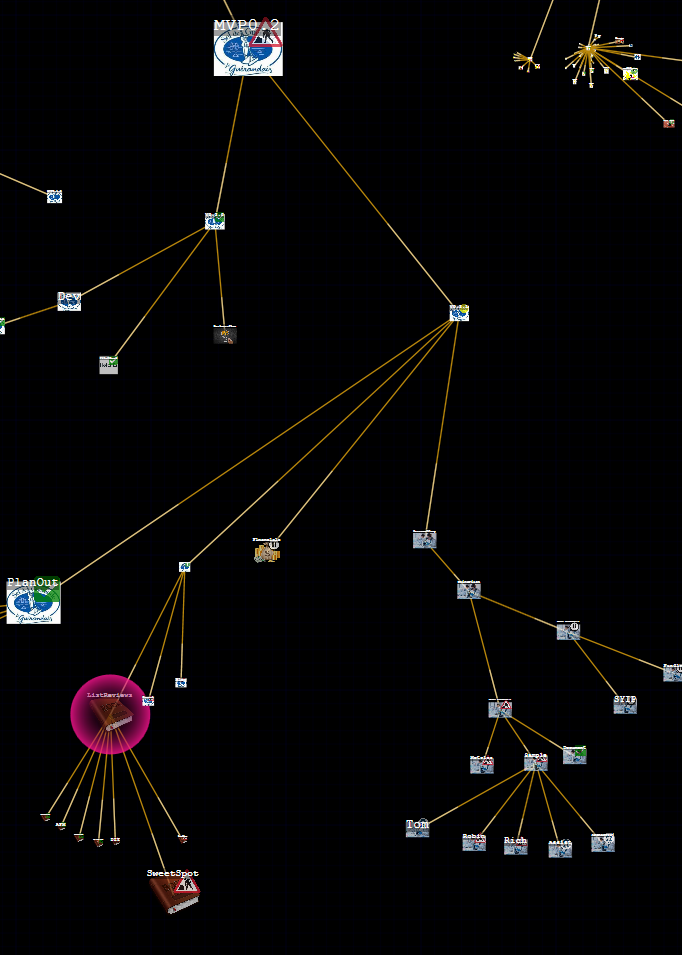
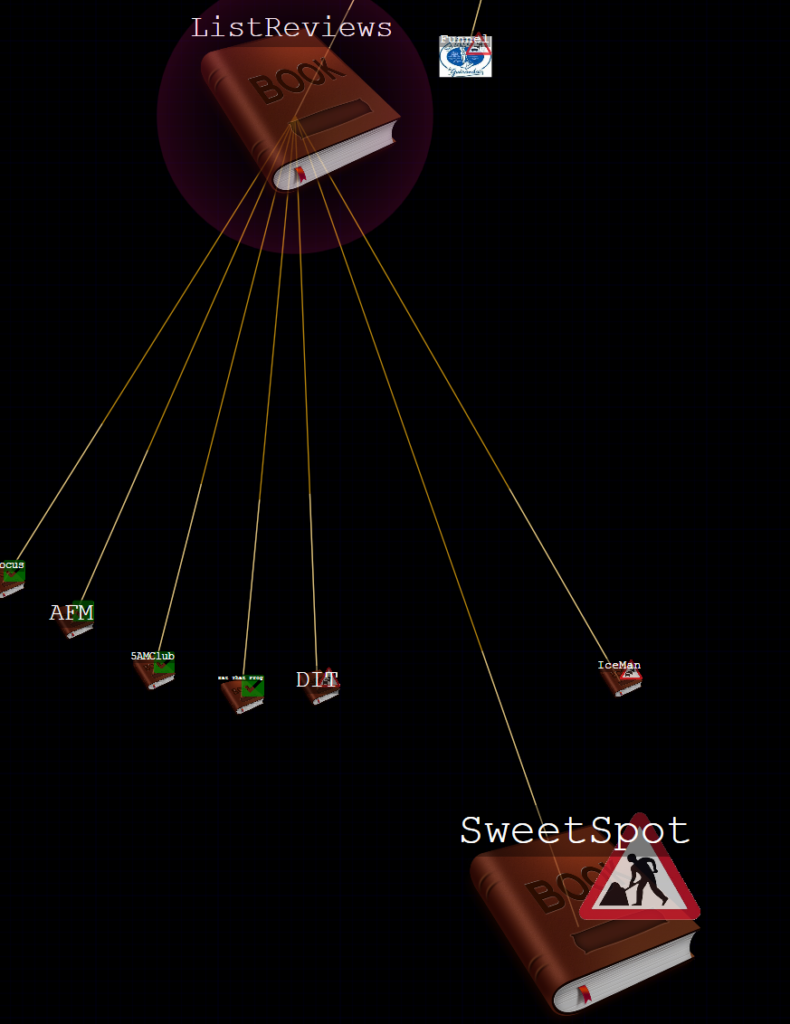
This method can be used to drill down the overall tree from the root node; iteratively selecting and zooming in on the selection, until you get to the area of focus you are interested in.
Leave a Reply